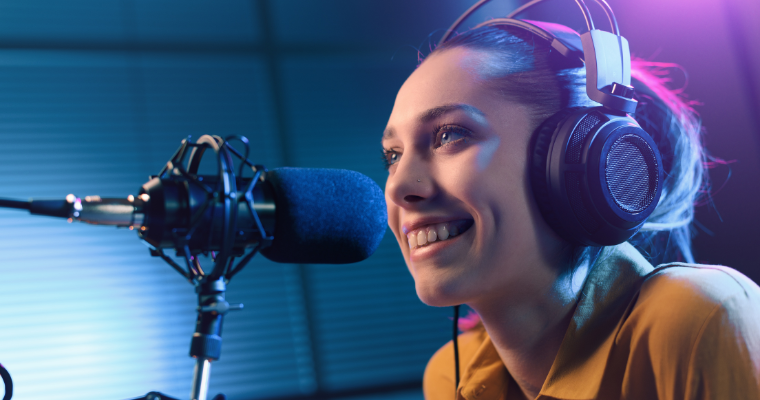
Podcasting has become a cultural phenomenon, influencing everything from pop culture to politics. With nearly 500,000 shows posting new episodes regularly, 584 million listeners worldwide agree they simply cannot get enough.
One of the biggest reasons podcasting has become so popular is its accessibility for creators. Unlike other popular mass communication platforms such as television or radio, podcasting requires very little financial investment and just a few pieces of equipment. Just about anyone can be a podcaster. You probably know one personally.
The definition of a podcast has evolved over the last several years to include video-first shows as well as traditional audio podcasts. This article provides suggestions for choosing podcast equipment and setting up an audio studio for in-person guests or interviewing remote guests using a laptop and software such as Riverside. Please note that if you create an audio podcast, using video in some capacity to promote your show will be essential to long-term success.
Finding a Quiet Recording Space
First impressions are always important. The sound quality of your podcast will set the tone for your show, so take the time to choose the right location. For studio-quality sound on a budget, find a small interior room in your home of office with minimal outside noise. If you are recording alone, a walk-in closet is a great place to start. Clothing and other soft surfaces will dampen the sound and provide clean audio with no echo.
For larger spaces, you can absorb sound with carpets or rugs on the floor and acoustic tiles or thick curtains on the walls. If that’s not realistic in a space that is used for other purposes, record in a corner with bookshelves and artwork or a soft couch with a pile of pillows. Everything helps.
Your Podcast Equipment Setup: Keep it Simple
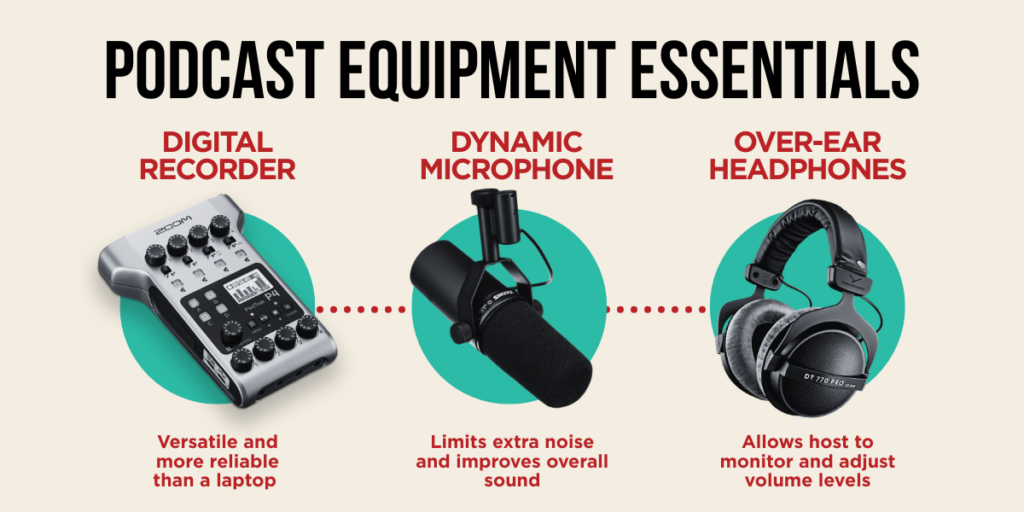
Recording a podcast can be as simple as using a phone and a free app, but investing in essential podcast equipment will improve quality and reliability – allowing you to concentrate on the content of your show.
Microphones
The Shure SM7b is the professional standard for podcasting microphones. It is popular for providing deep, rich vocals and that classic “podcast” sound. And because it is a dynamic microphone, it picks up sound in only one direction compared to a condenser mic that records in all directions evenly.
For podcasting, especially in a small space, it is important to record only the person in front of each microphone to get clean, editable tracks that are captured with minimal mic bleed. This will make editing exponentially easier and produce a cleaner podcast. The cost of the SM7b is usually around $400.
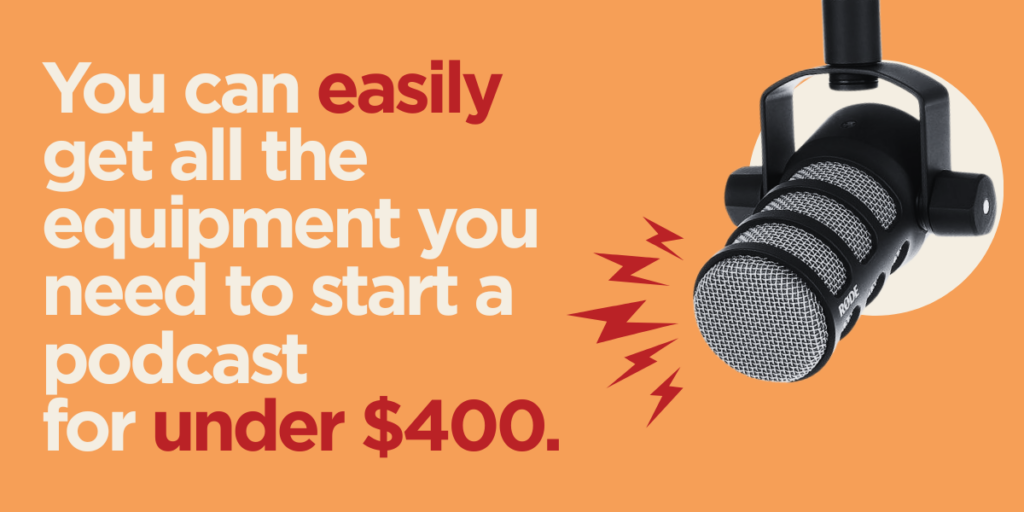
Another popular choice is the Rode PodMic, a dynamic microphone designed specifically for podcasting, providing vocal tones that work well over phones and earbuds. It is trusted by podcasters of all experience levels and costs around $100.
Note: Both these microphones connect to a digital recorder or audio interface with XLR cables (and don’t have USB connections) and will not work directly with a laptop. They may also require a power boost with a device called a preamp, which will boost the signal while keeping gain low, reducing room noise.
For more connection options, the Audio-Technica AT2005USB microphone has both XLR and USB connections and can be connected directly to a laptop. This is a great choice if you are using software to record a remote guest. The cost is $80.
Digital Recorder
While there are several options for recording your episodes, the simplest and most reliable is a digital recorder. Laptops or desktop computers will also work, but they are larger and tend to shut down for updates at the most inopportune times.
The Zoom PodTrak P4 is a digital recorder designed specifically for podcasting. It is battery powered (although it can be plugged in with a USB block), has four microphone inputs, four individual headphone outputs, phone and USB input for remote interviews and, special affects buttons. Its best feature is that you can connect your phone directly and record guests without the caller hearing any delay or feedback. Zoom has recently released a new model, the PodTrak P4next.
You can connect both of these recorders directly to a computer and upload your tracks into your preferred audio editor. The PodTrak P4 costs around $150, and the PodTrak P4next is $180.
Headphones
Expensive headphones are not necessary, but a quality pair is essential for clear recordings. The MAONO MH601 Professional Studio Monitor Headphones cost $40 and provide clear vocals and ensure consistent volume levels. Avoid using Bluetooth headphones for recording, as they can cause latency issues.
Completing Your Setup
Here are just a few more pieces of podcast equipment you will need to complete your studio.
Microphone Stands
Microphone Cables
Wind Screens
Power Adapter
You Can Do This
A podcast is a powerful tool to explore an interesting topic with the world or share your opinions on a subject you are passionate about. And if you want to sound like a professional, investing in some basic podcast equipment is a great place to start.
About the Author

About Fiore Communications
At Fiore Communications, we believe that understanding how marketing aligns with your business goals should not be a mystery, so we provide measurable results that demonstrate in real-life terms how our ideas and strategies help our clients achieve success in whatever is most important to them.
Ready to build a loyal, engaged audience for your business with a podcast or other proven marketing strategy? Let’s start the conversation. Call (850) 668-0510 or contact us online to get started today.
DISLCAIMER: Links to products on Amazon are provided for reference and are not affiliate links. Shopping locally is encouraged.